 Bica
Coding agents on your machine, in any browser.
Bica is a web UI for coding agents. It runs on the computer that holds your code, and you open it on a laptop or a phone to start agents, steer them while they work, and review what they changed.
For macOS and Linux. Pay for the model with a Claude or ChatGPT plan you already have, or an API key.
Many sessions at once
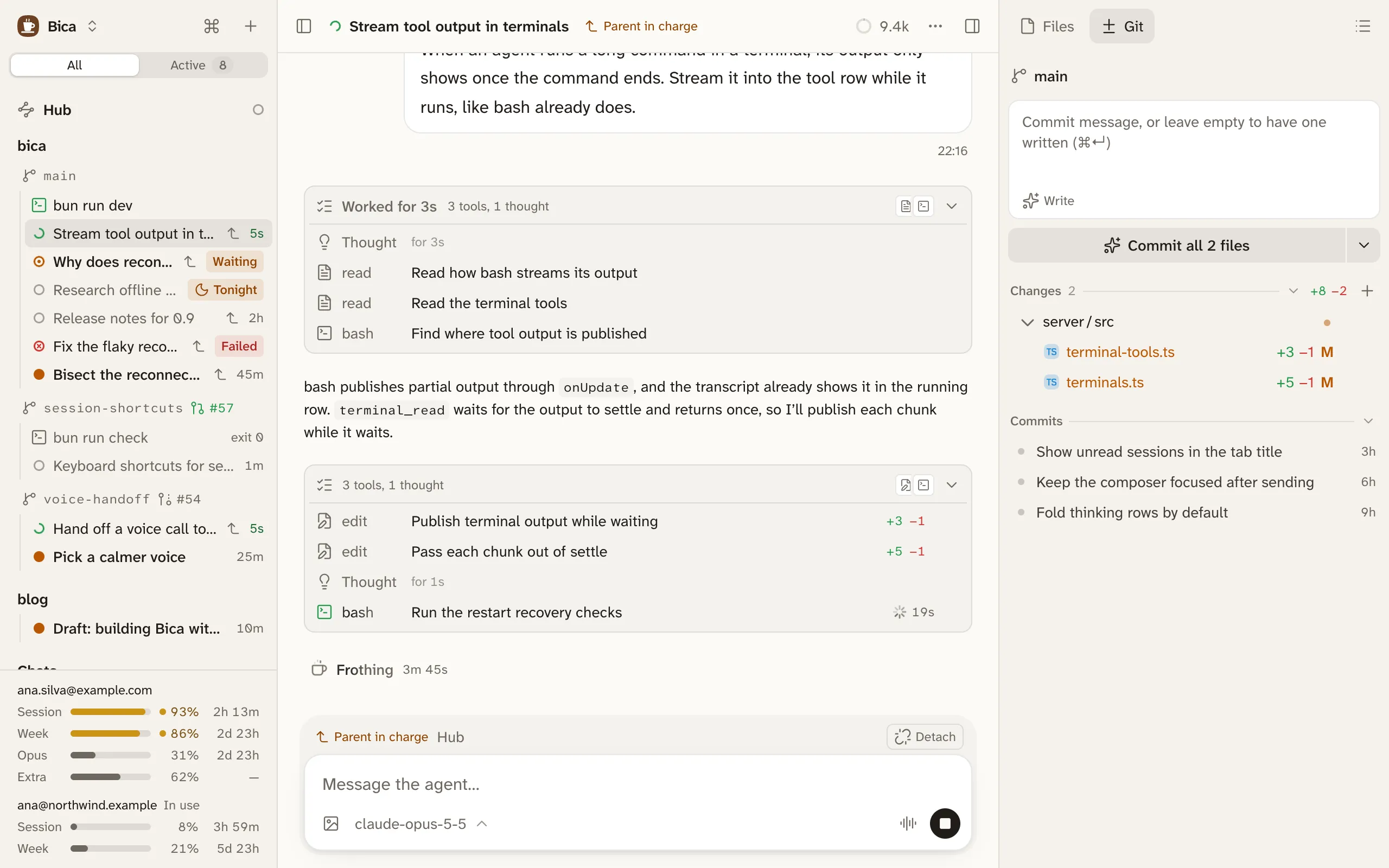
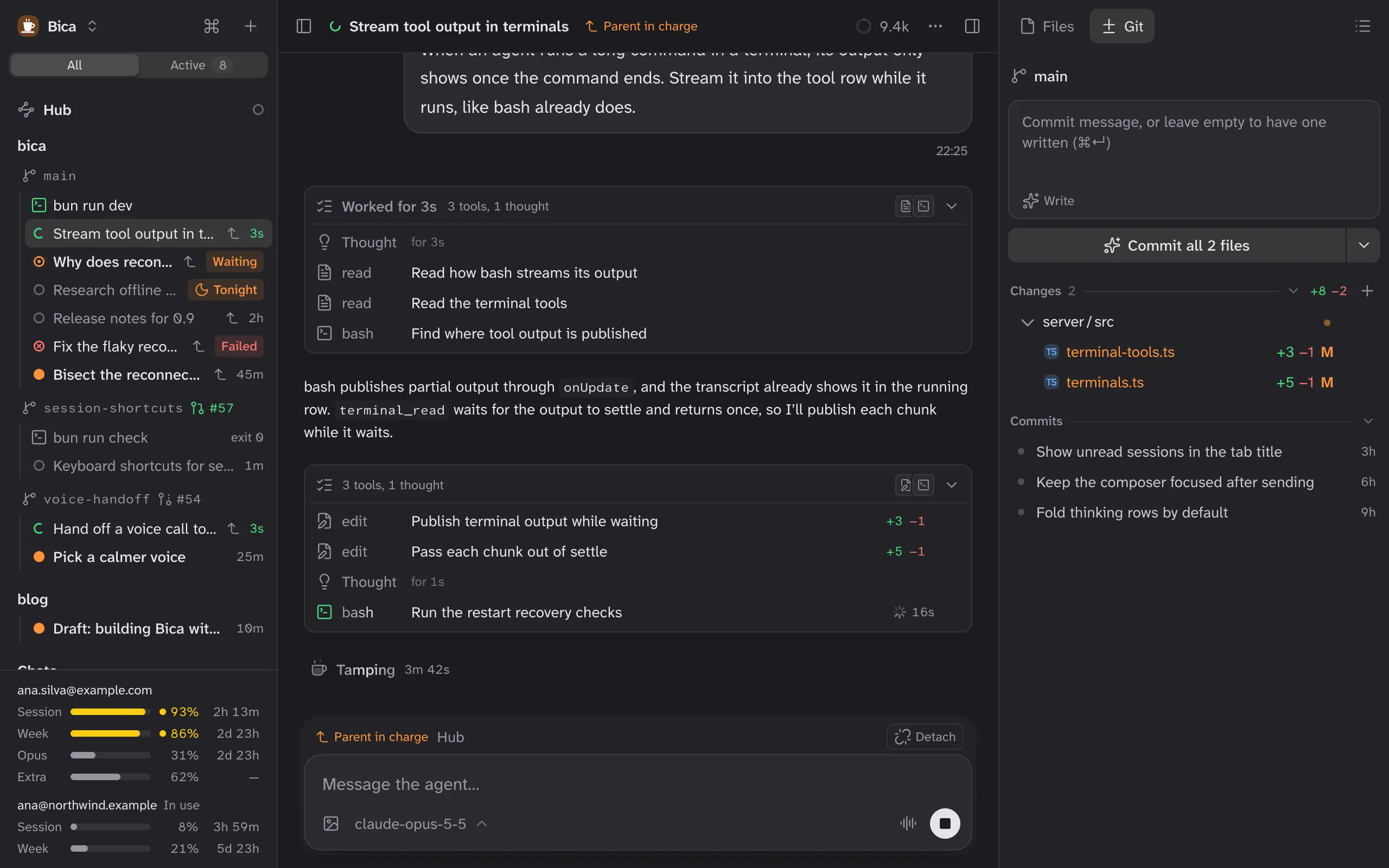
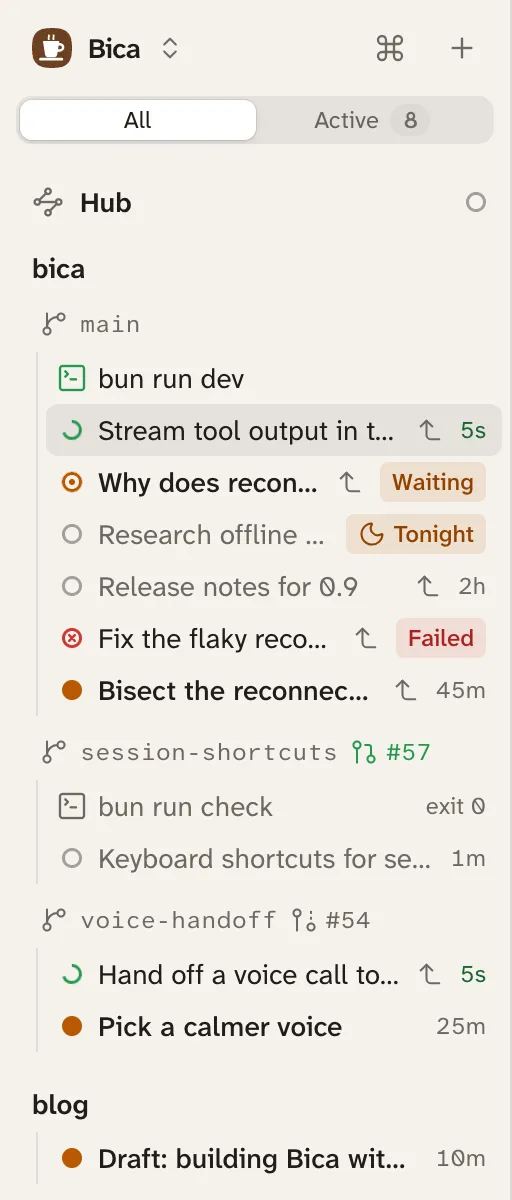
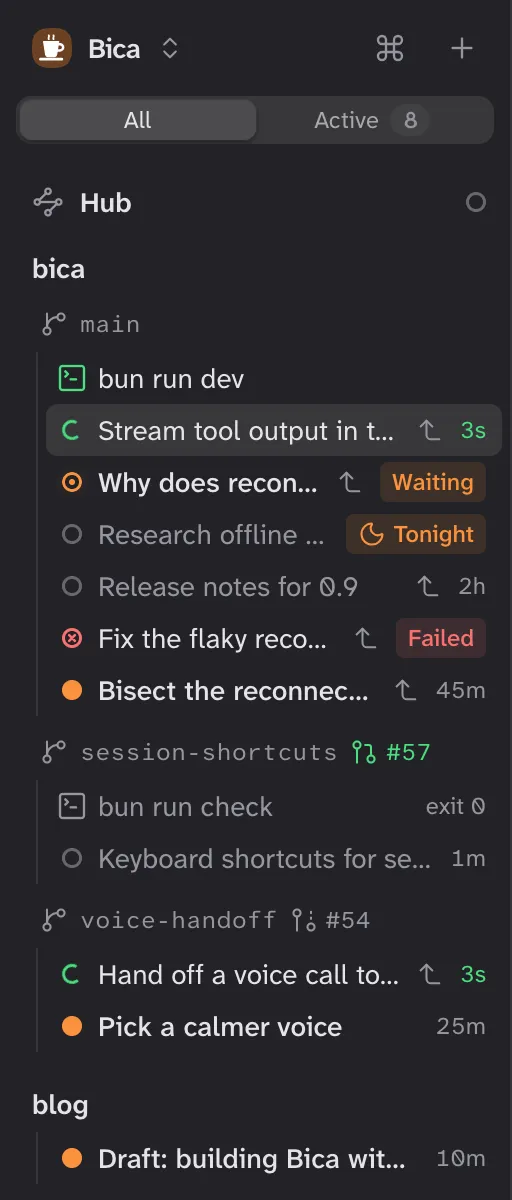
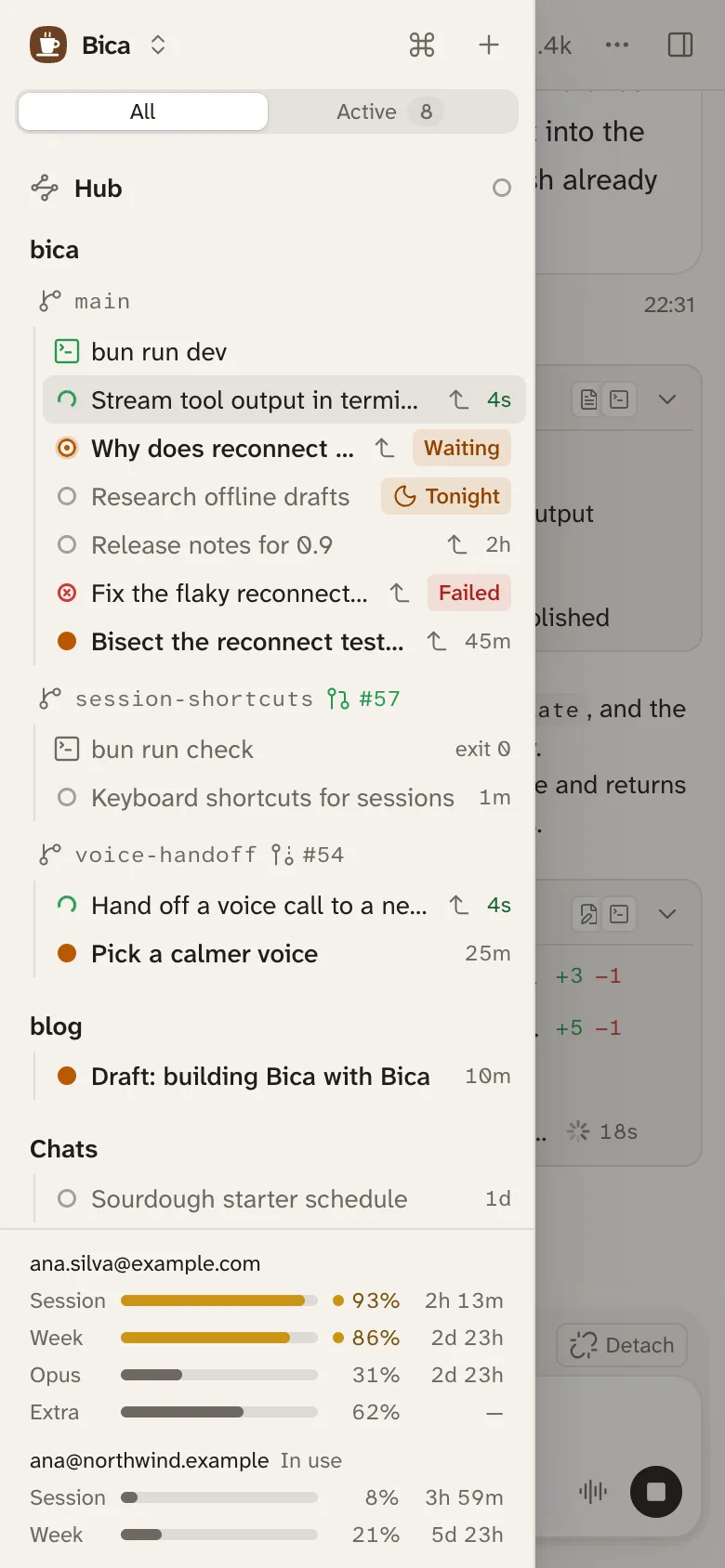
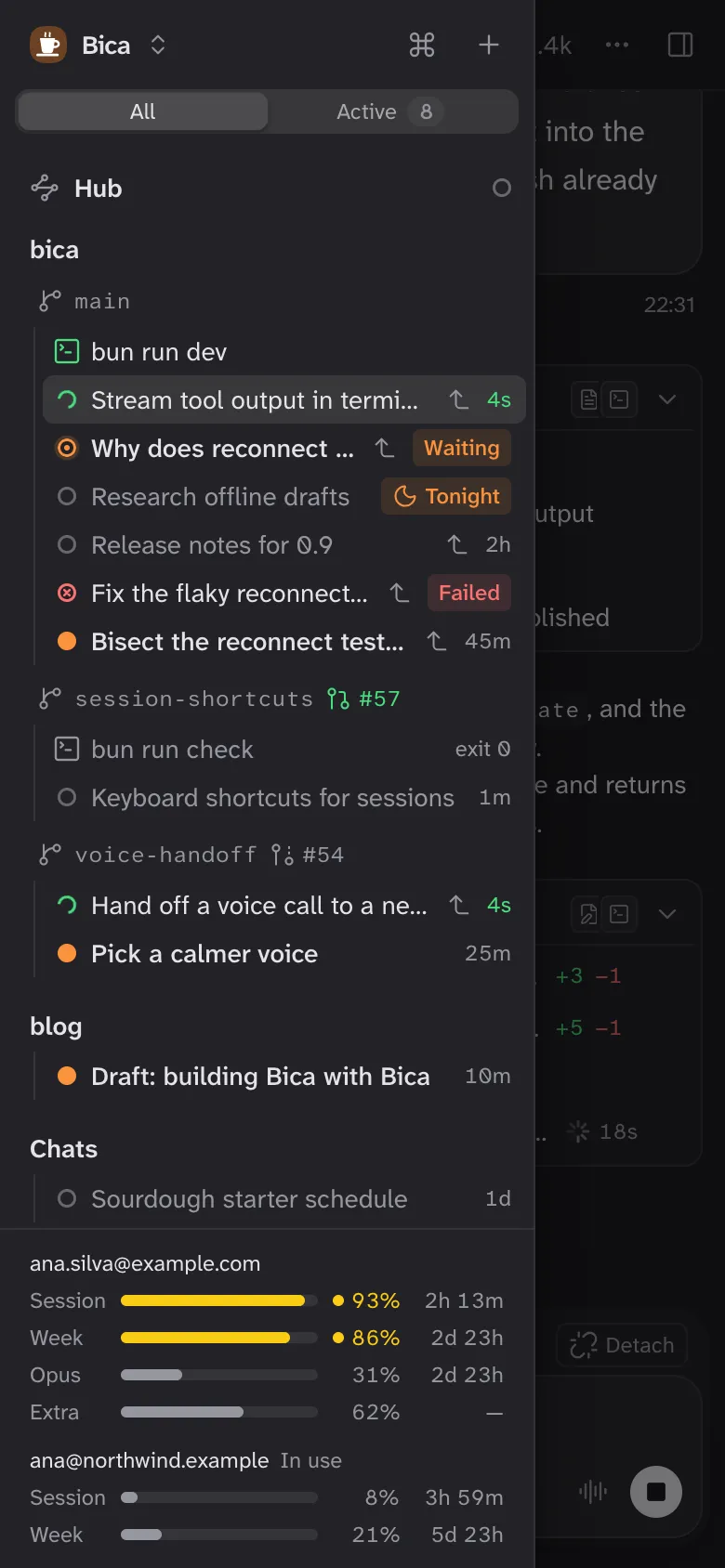
Give each task its own agent and keep them all in the sidebar. The ring next to each one says whether it is working, waiting on you, done, or failed. Type into a running session to steer it, or queue your next prompt for when it finishes.
A worktree per feature
A feature can get its own git worktree, so agents working side by side never edit the same files. Its sessions sit under the branch, next to its pull request.
Review in full-size diffs
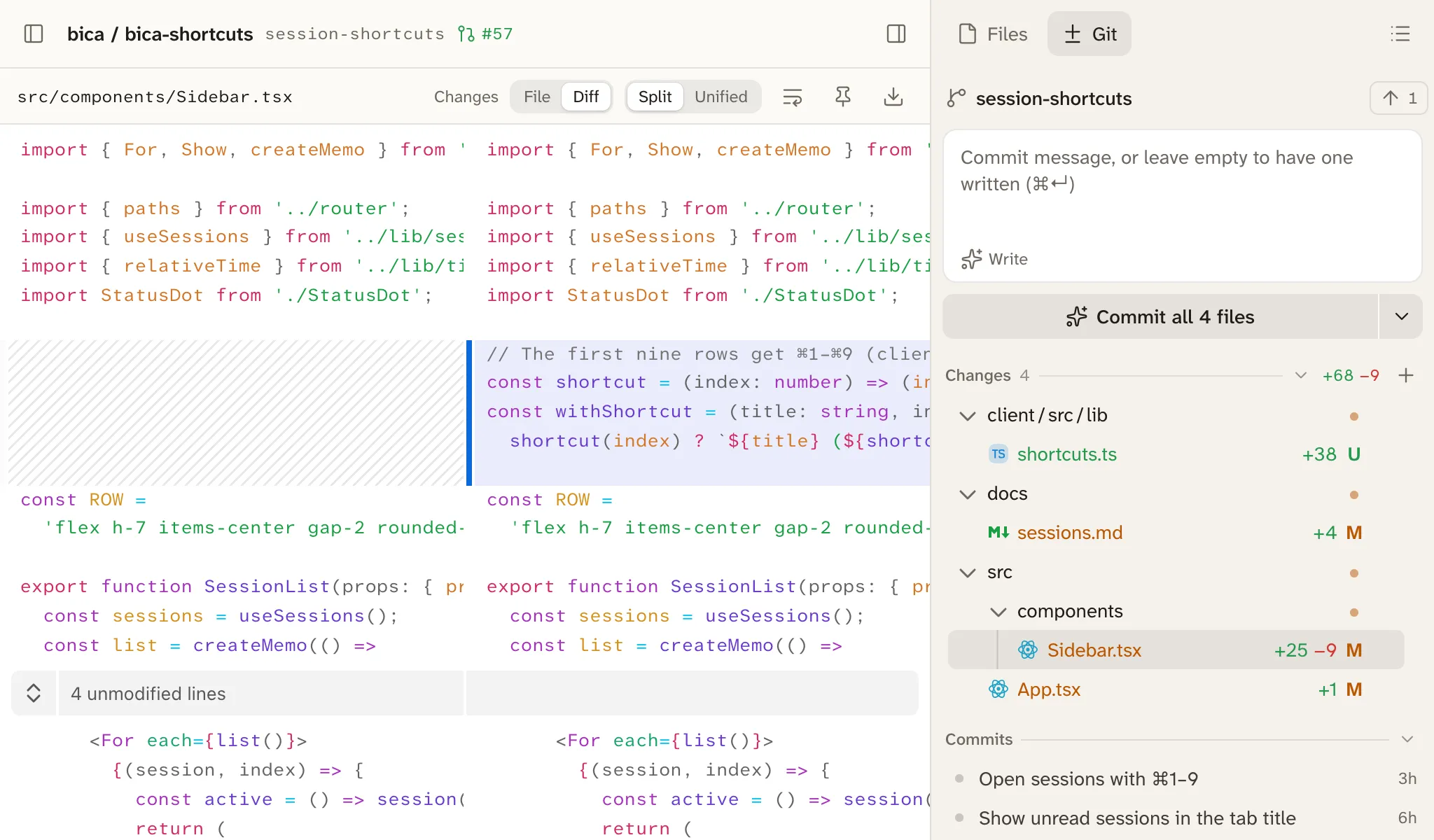
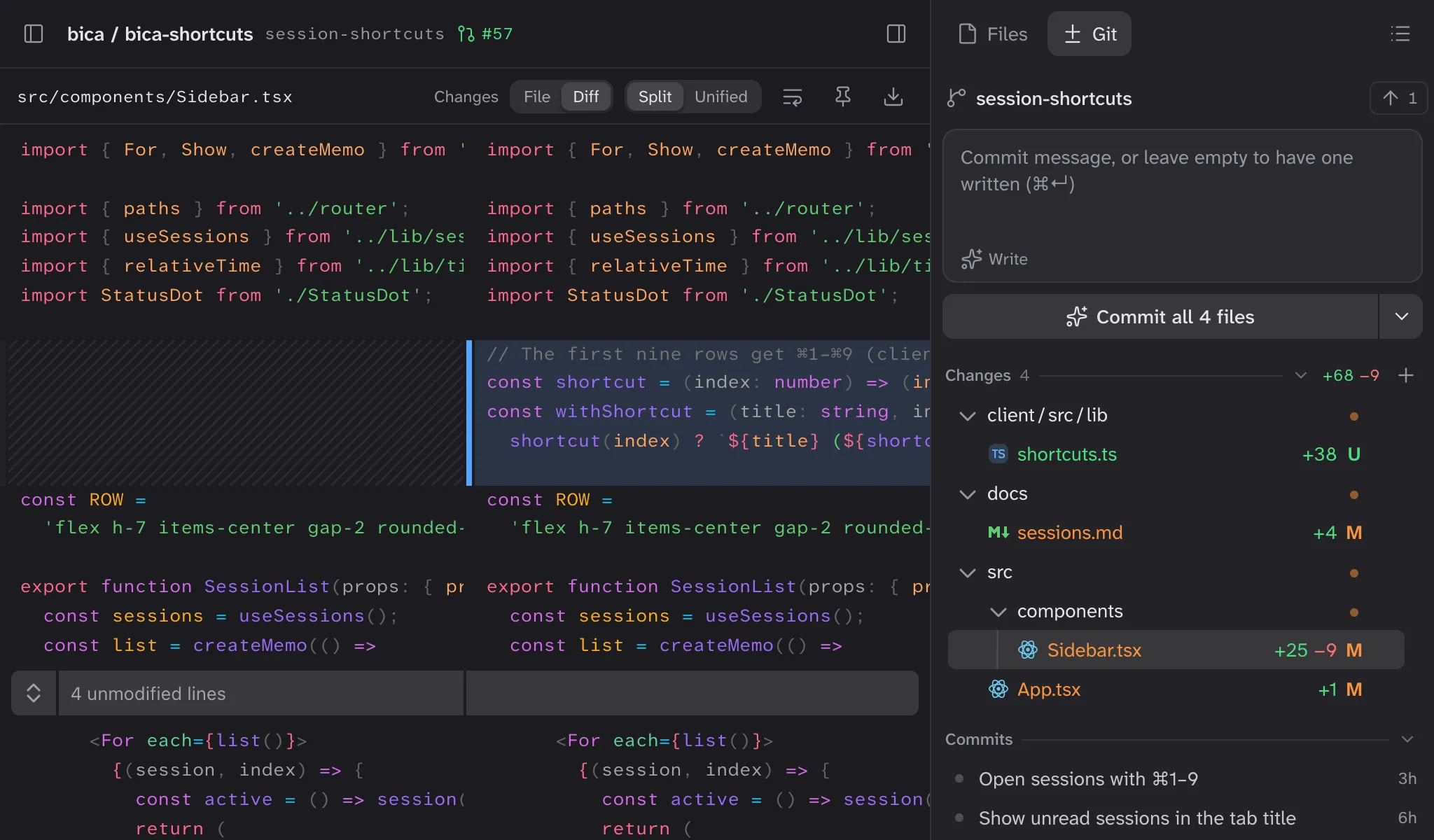
Read what the agent changed in a split diff as wide as the page, then commit from the Git tab. Leave the message empty and one is written for you.
Carry on from your phone
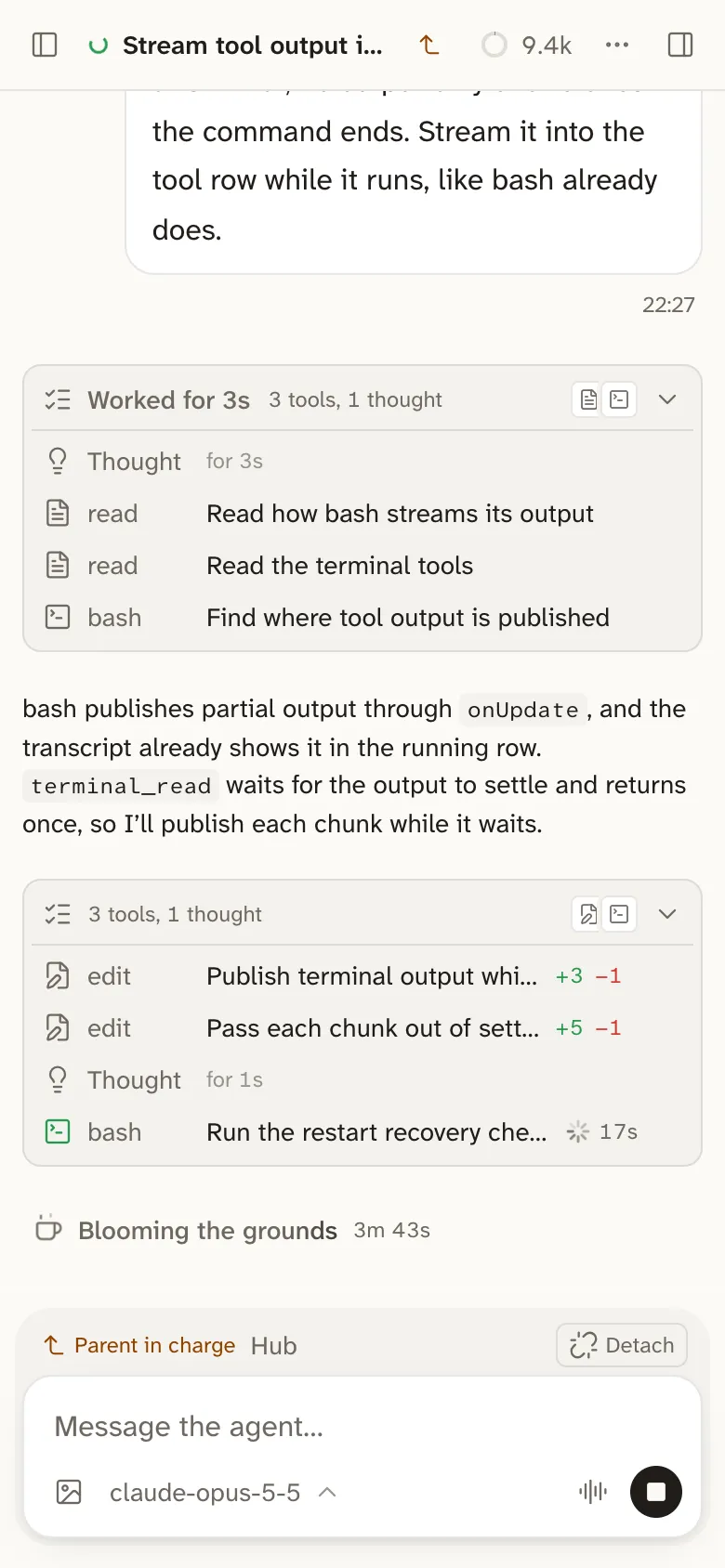
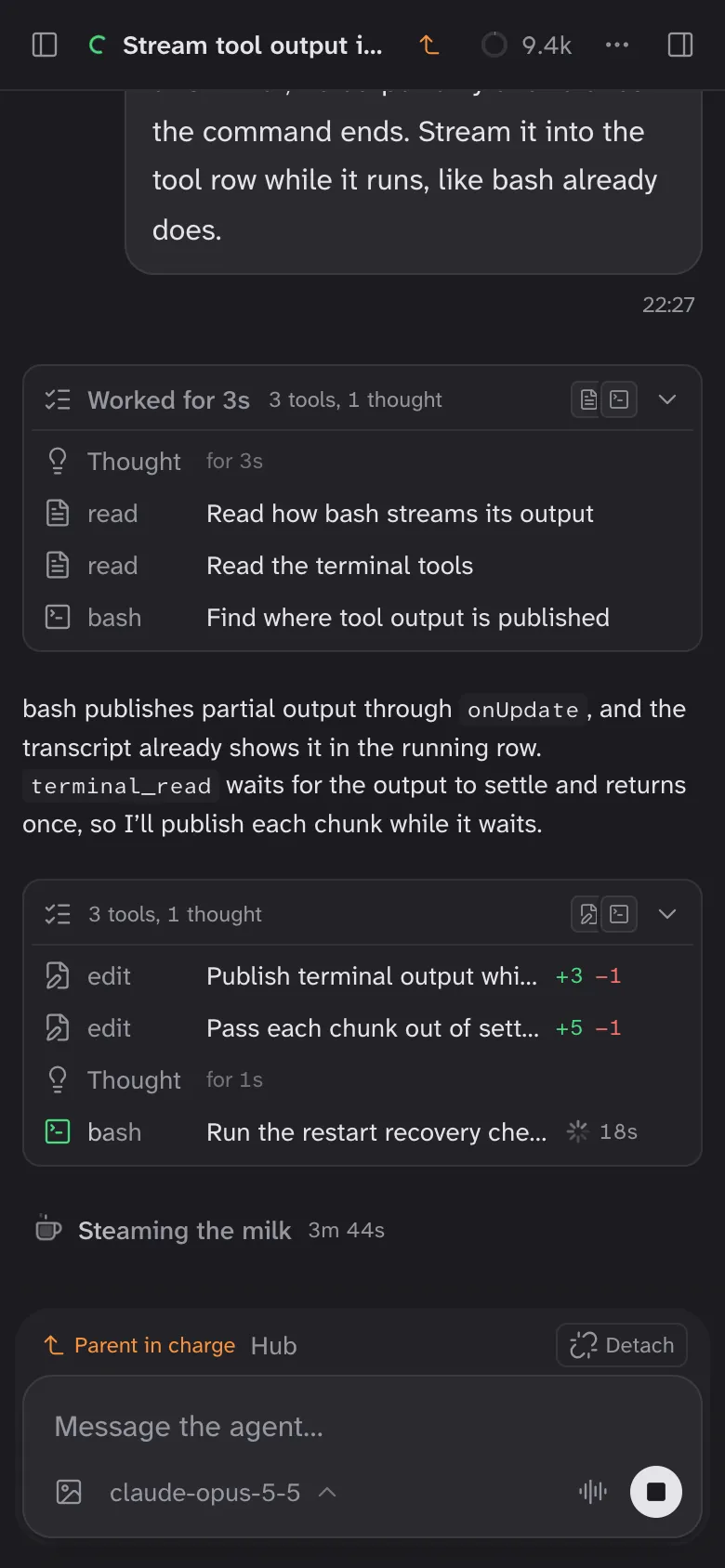
The agents run on your dev machine, so closing the browser stops nothing. Open Bica on your phone over Tailscale and the session is where you left it, still streaming.
Install
Bica is one file, bica. It needs git, and no Bun, Node, or Docker. Download it, run it, and open the address it prints.
Full install steps, with Intel Macs, arm64 Linux, and checksums.
mkdir -p ~/.local/bin
curl -fsSL https://github.com/cyrillbrito/bica/releases/latest/download/bica-darwin-arm64.tar.gz \
  | tar -xz -C ~/.local/bin
bica
  Bica 0.1.0 running

  Local:  http://localhost:3141